
Milo, your AI copilot
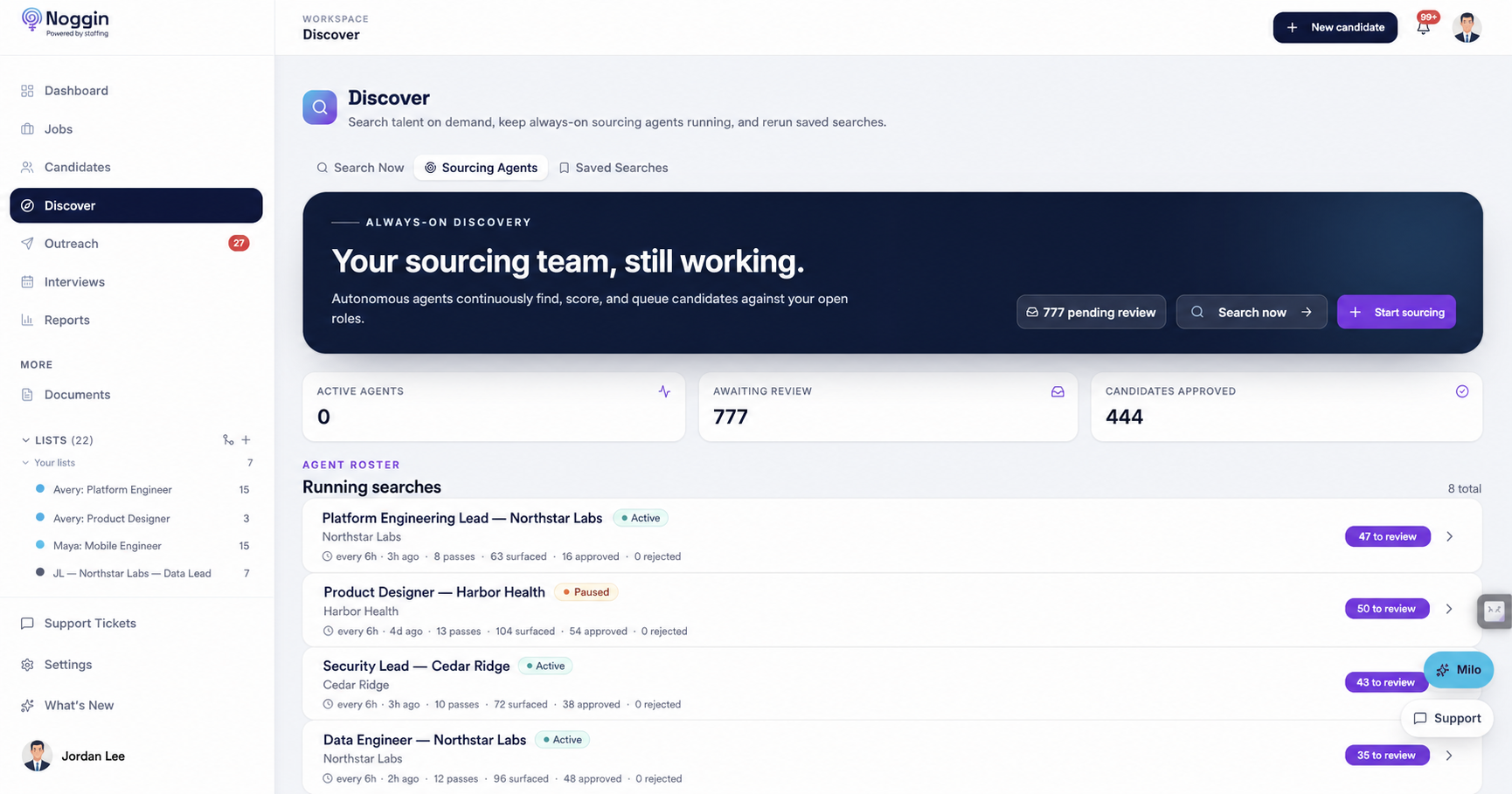
A 32-tool assistant living inside the platform. Milo drafts your outreach, runs sourcing, reviews candidates against roles, and answers analytics questions — real work you approve, not a chatbot in a corner.
The recruiting operating system
Noggin brings your ATS, talent search, outreach, and AI recruiting partner into one focused workspace. Milo does the digging and drafting. Your team makes the calls.
859M+
searchable profiles
32
actions Milo can take
7
focused workspaces
0
unapproved emails sent
Why Noggin
An ATS, a sourcing tool, and an AI assistant usually means three subscriptions and a lot of copy-paste. Noggin is the whole loop — and the AI is in every layer, not bolted on top.
See the loop
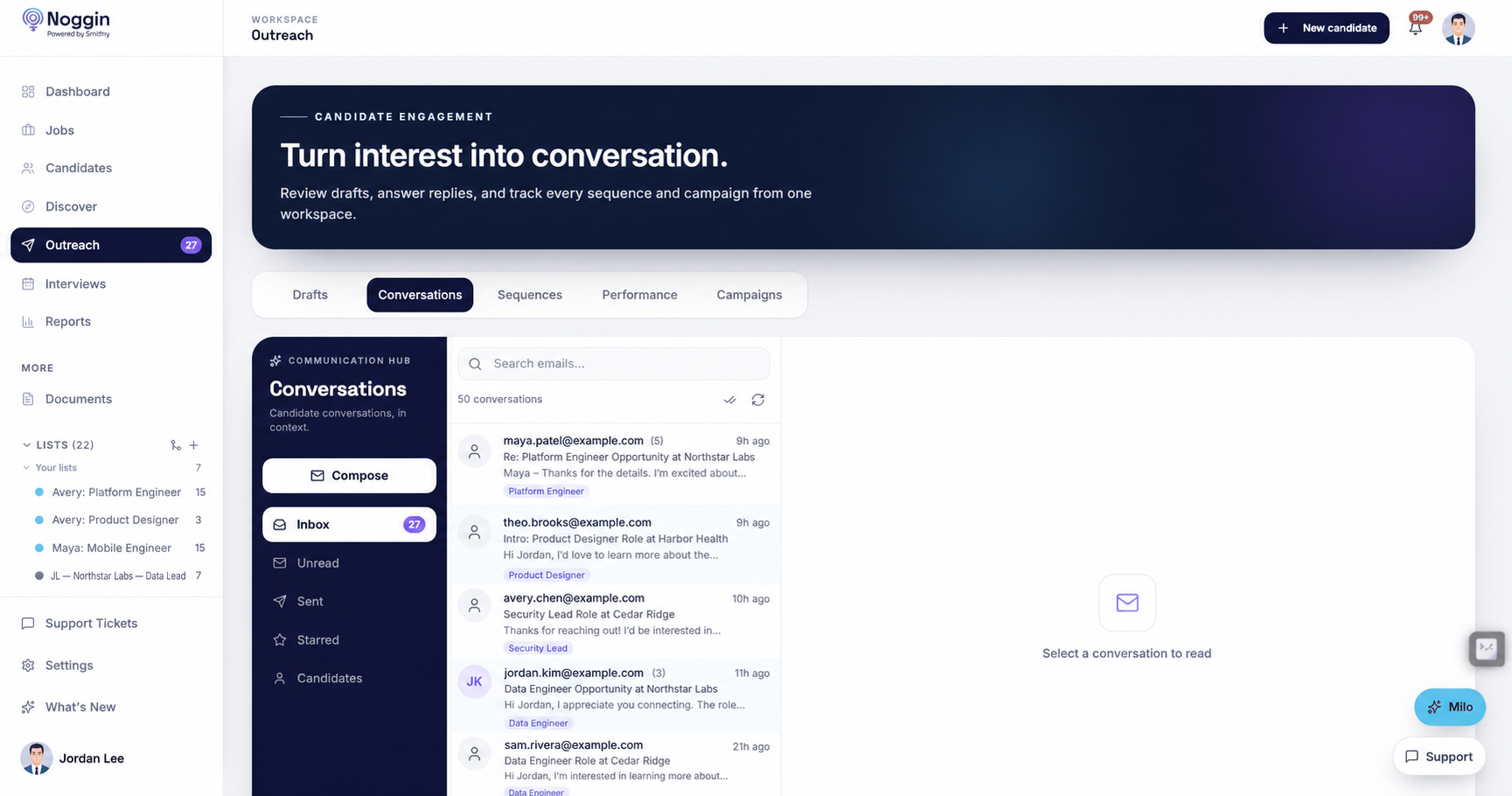
Discover the right people, approve personalized outreach, and keep every response tied to the role and candidate record.
How it works
Google or Microsoft sign-in, create your org, connect your inbox. Minutes, not a procurement cycle.
Describe who you need in plain English. Turn any search into an always-on sourcing agent with one click.
Personalized sequences land in your approval queue. Nothing sends without a human saying so.
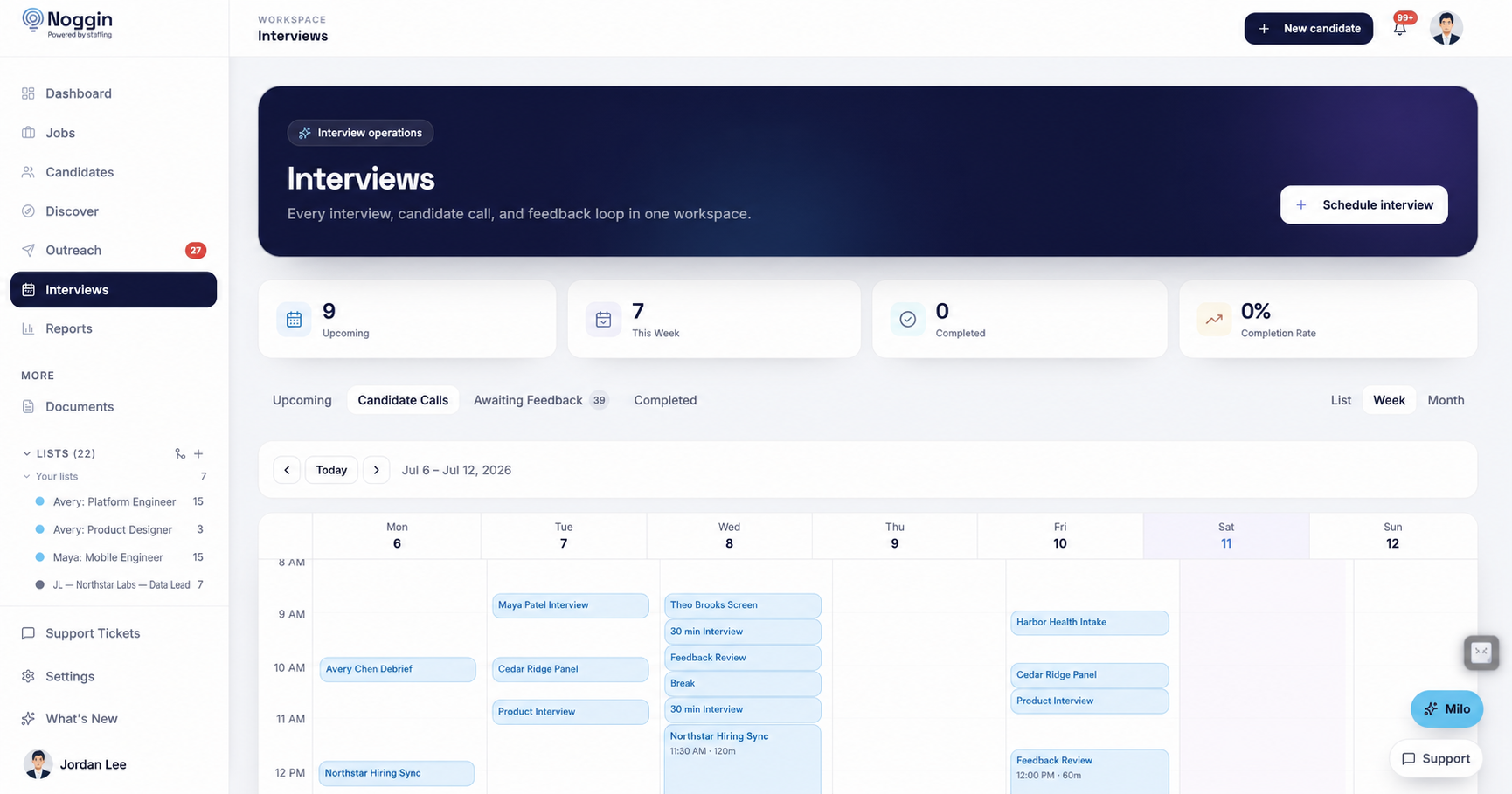
Booking links, feedback nudges, and funnel reports that show what's actually working.
One connected workspace
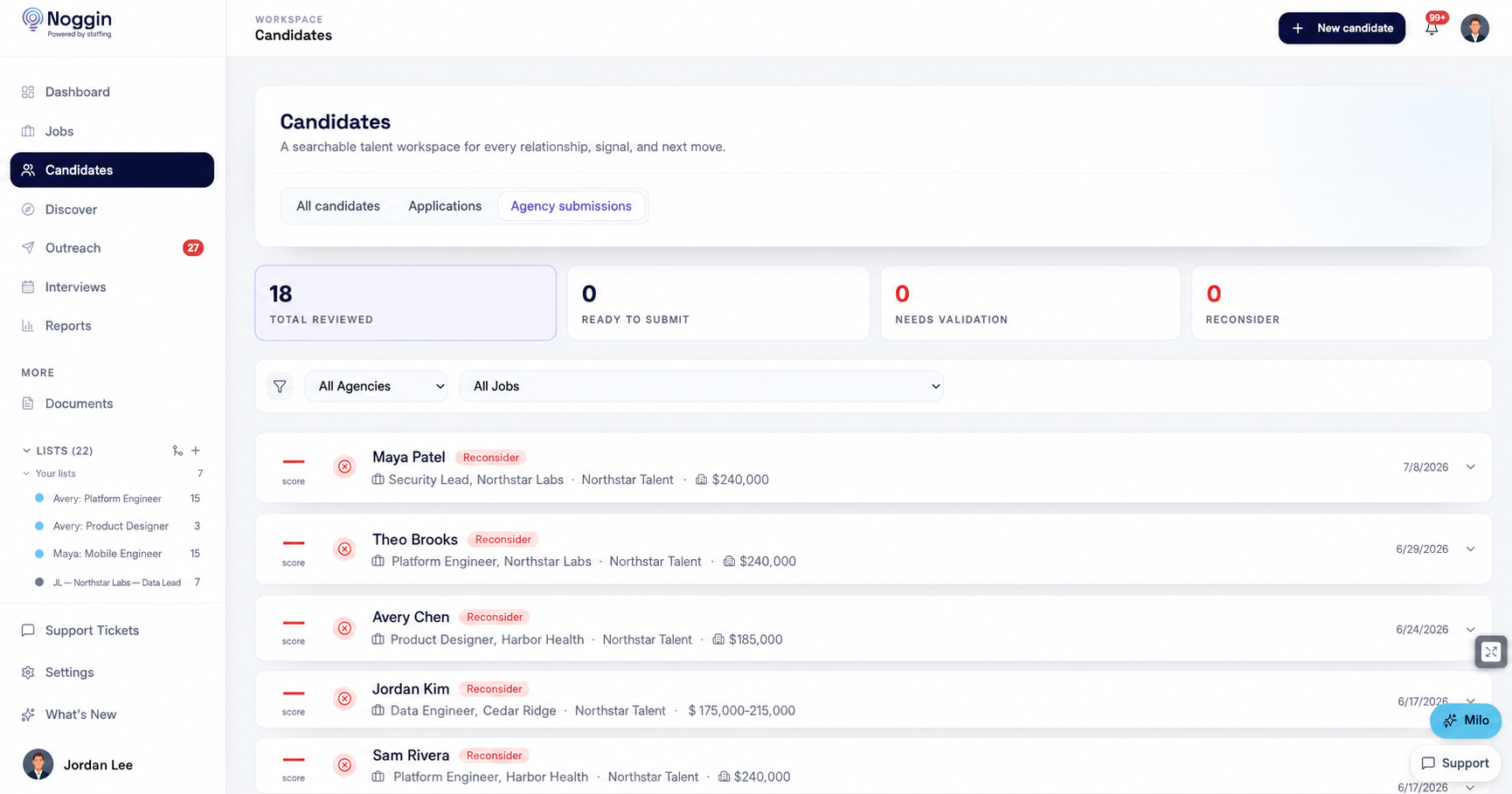
Candidate context stays searchable while interviews, requests, and overdue feedback stay visible to the team that needs to act.
For staffing agencies
Partner agencies submit through their own portal. Noggin screens every submission with a fit score and a written rationale before it reaches your recruiters — who make the actual call. Most ATSes in this segment have nothing like it.
How the agency portal worksFair questions
No. Milo drafts; you approve every send. Sourcing agents surface candidates; you approve or reject each one. That's not a settings toggle we hope you find — it's how the product works.
Not very. Import via CSV, grab LinkedIn profiles with the one-click Chrome extension, and the resume parser fills in the rest. Most teams are sourcing the same afternoon.
Yes. Connect Gmail or Outlook and outreach sends from your real address, with replies tracked in Noggin. Google Calendar sync powers interview scheduling and booking links.
You do. Workspaces are isolated per organization, and you can request a full export anytime. Details on the security page.
Minutes. Sign in with Google or Microsoft, create your org, connect your inbox, run your first search. No implementation project, no sales call unless you want one.
It's public: Discover is $99/seat, Platform is $149/seat, Scale starts at $299. We meter contact reveals — never searches, candidates, or emails. See pricing for the honest comparison table too.
Self-serve from day one. Bring your team, connect your inbox, and hand Milo the busywork — approvals stay with you.
Google or Microsoft sign-in · no sales call required